HyperBEAM on Mobile
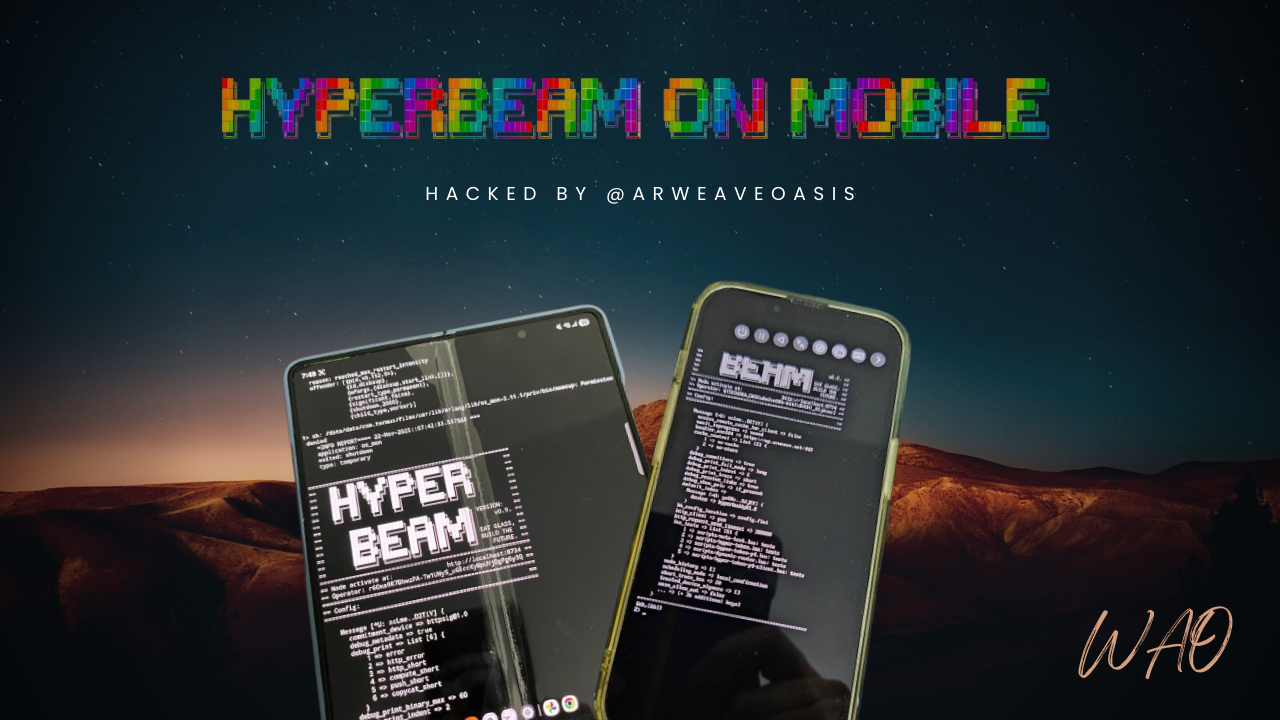
Run a HyperBEAM node on your smartphone.
Supported Versions
We currently target two pre-release versions:
v0.9-milestone-3-beta-1(default)v0.9-milestone-3-beta-3
These guides will be updated when the final version is released.
How It Works
HyperBEAM is built on Erlang/OTP and includes native components (WASM runtime, LMDB database). Running it on mobile requires:
- Linux environment - HyperBEAM needs Linux syscalls
- ARM64 compilation - Mobile processors use ARM64, not x86_64
- Native library recompilation - NIFs must link against the device's libc
On Android, we use Termux which provides a native Linux environment with direct hardware access. HyperBEAM runs at near-native speed.
On iOS, Apple doesn't allow direct Linux execution. We use UTM SE to emulate an entire ARM64 Linux VM, which is significantly slower.
Platforms
| Platform | Method | Performance | Recommended |
|---|---|---|---|
| Android | Termux (native) | ⚡ Fast | ✅ Yes |
| iOS | UTM SE (emulated) | 🐢 Slow | ❌ No |
Android
Android runs HyperBEAM natively through Termux. The build process compiles in Alpine Linux (via proot) then deploys to Termux with recompiled native libraries.
iOS
iOS requires a full Linux VM running in UTM SE. We build on Android first, then transfer the compiled binary to iOS. Performance is limited by software emulation.